TouchDesigner-GSOPs-Docs

Add Your Own Effects to Any Scene
Easily add custom animation, dynamics or logic to GSOPs scenes using any other POPs.
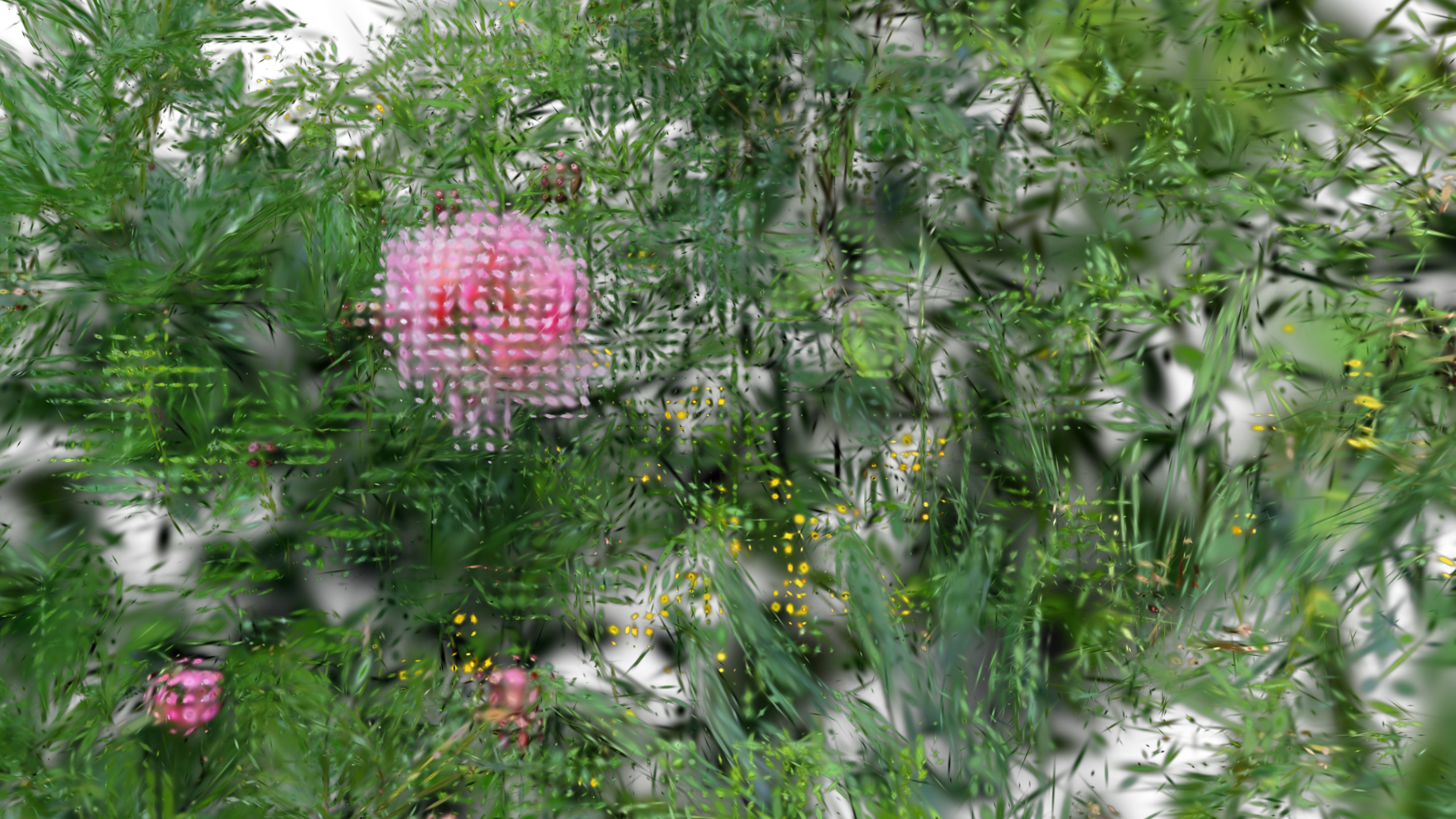
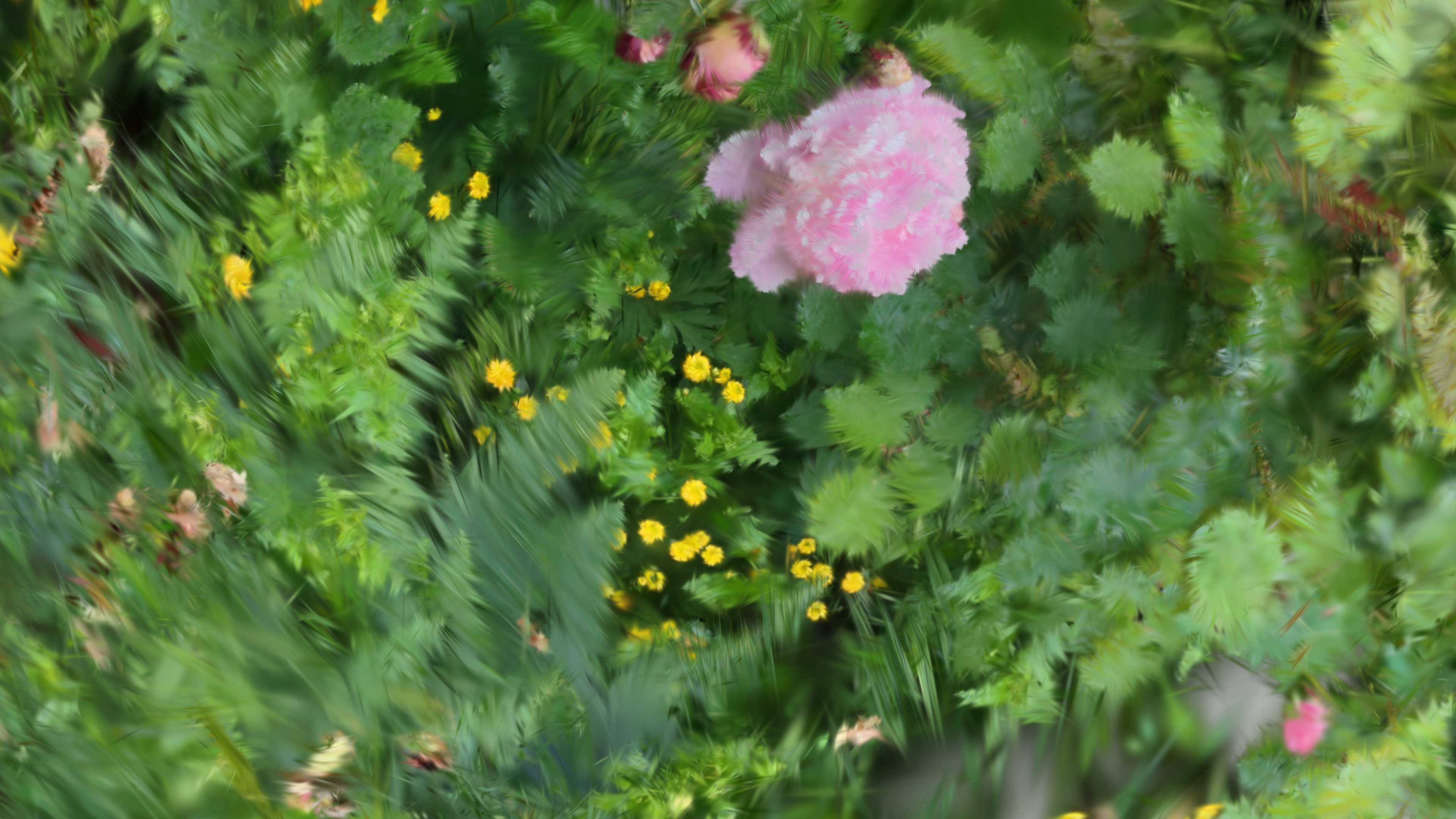
Operators
gsop_camera_viewport— or any TD camera (mind FOV and far clip settings)gsop_splat_scenegsop_splat_geo- renderTOP
- Any custom POP additions
Process
- Drop the operators into your network - you will note the camera and
gsop_splat_geoauto-find their respective renderTOP and splat scene components - Point
gsop_splat_sceneto a.plyor.spzfile - Open the GUI on
gsop_splat_sceneand use the camera positioning window to orient the splat - Add more splats to the scene if desired using the sequential parameters and follow the same process to pre-transform each
- Add anything you want between the
gsop_splat_sceneand thegsop_splat_geo— feedback loops, noise, quantization, etc
Notes
- Pay attention to the attributes you are affecting and try others. It can, for example, be interesting to change both InitPos and P at the same time (or to write the new value of one onto the other prior to rendering).
- Make sure your own additions go between the
gsop_splat_sceneand thegsop_splat_geooperators. This is required to ensure the rendering works as intended.