TouchDesigner-GSOPs-Docs

Minimal Splat Particles Scene
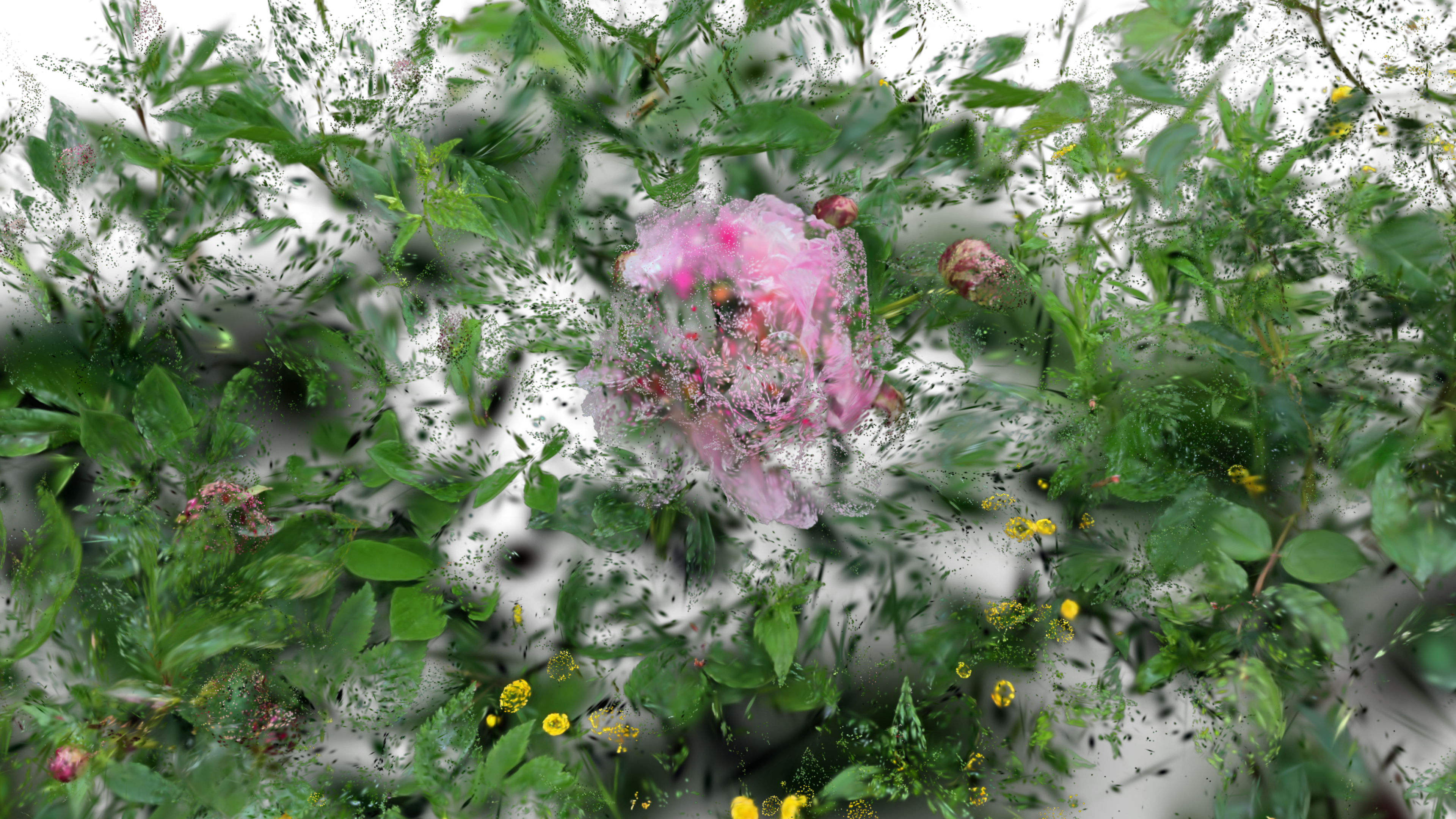
The simplest GSOP particle system setup — load a splat, turn it into a particle system and render it.
Operators
gsop_camera_viewport— or any TD camera (mind FOV and far clip settings)gsop_splat_scene_particlesgsop_splat_geo- renderTOP
Process
- Drop the operators into your network - you will note the camera and
gsop_splat_geoauto-find their respective renderTOP and splat scene components - Point
gsop_splat_scene_particlesto a.plyor.spzfile - Open the GUI on
gsop_splat_scene_particlesand use the camera positioning window to orient the splat - Add more splats to the scene if desired using the sequential parameters and follow the same process to pre-transform each
- Play with the Dynamics tab to add particle-based motion
Notes
For a single splat, it might be easiest to move the cameraViewport to orient. However, when using more than one splat, the best workflow is to use the GUI to pre-transform each splat so you can keep a single, constant ‘master camera’ in your render setup to ensure consistency across splats.