TouchDesigner-GSOPs-Docs

Bokeh Depth Slicing
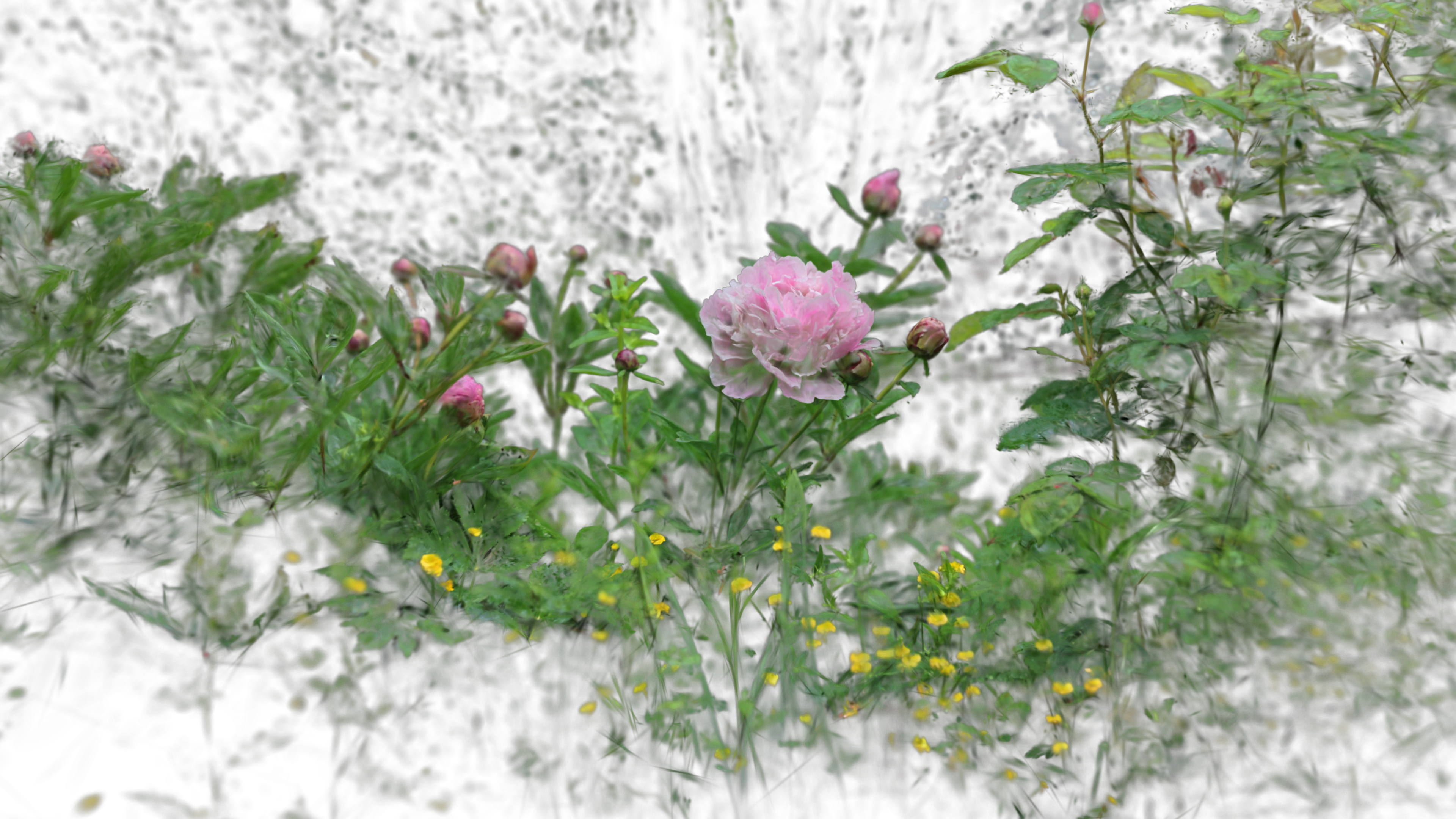
Use the bokeh effect to ‘slice’ through splats.
Operators
gsop_camera_viewport— or any TD camera (mind FOV and far clip settings)gsop_splat_scene_particlesgsop_splat_geo- renderTOP
Process
- Drop the operators into your network - you will note the camera and
gsop_splat_geoauto-find their respective renderTOP and splat scene components - Point
gsop_splat_scene_particlesto a.plyor.spzfile - Open the GUI on
gsop_splat_scene_particlesand use the camera positioning window to orient the splat - Use the Bokeh parameter on
gsop_splat_geo. Set the focal length, band width, and strength. Use the Alpha Reduction parameter and Detail Bias to add the ‘slicing’ effect
Notes
This can sometimes get heavy, especially with a really strong bokeh.