TouchDesigner-GSOPs-Docs

Blowout Optimization
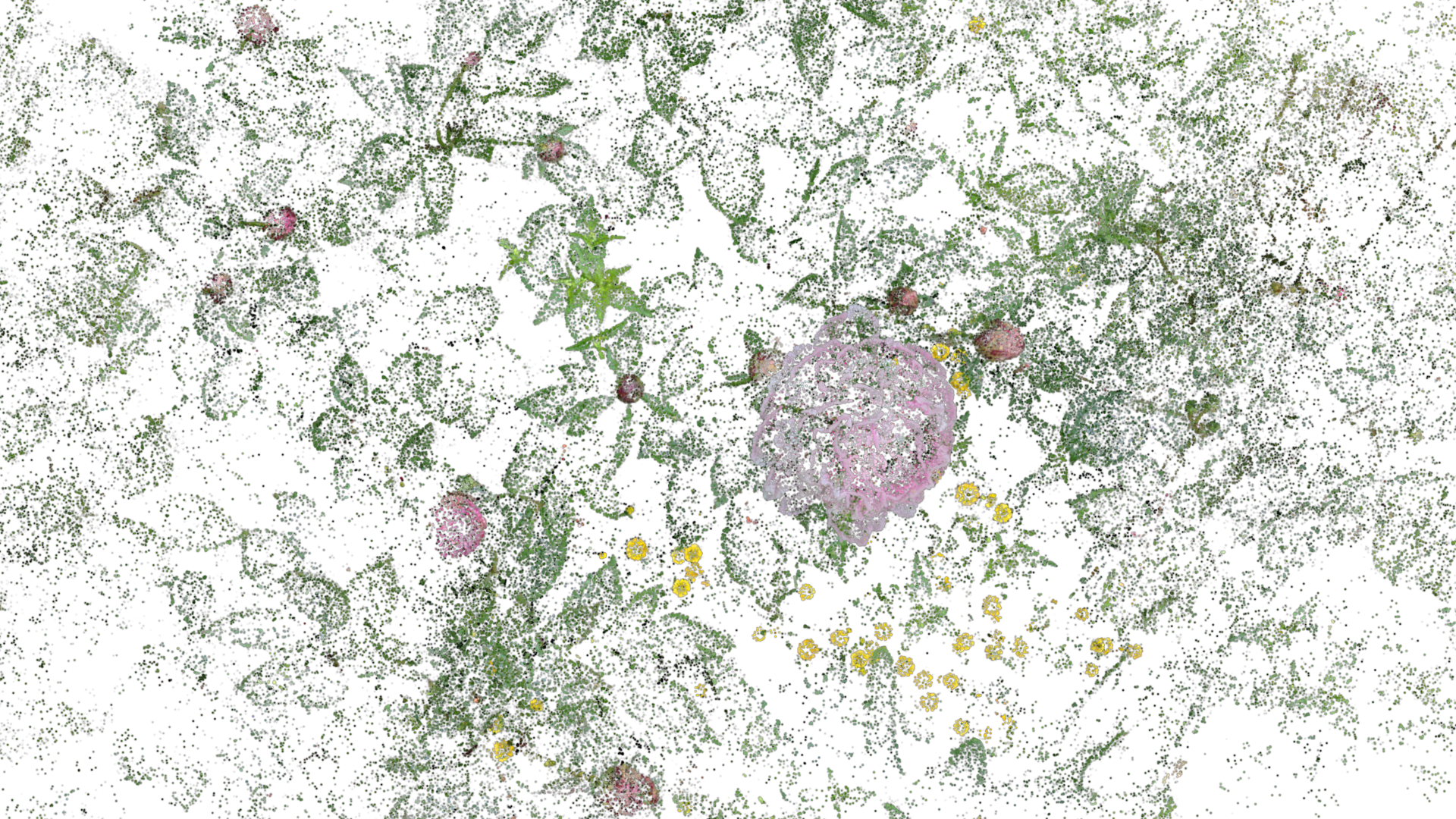
Add space between splats to reduce overlapping geometry in render and improve efficiency.
Operators
gsop_camera_viewport— or any TD camera (mind FOV and far clip settings)gsop_splat_scenegsop_splat_geo- renderTOP
gsop_blowout
Process
- Add the
gsop_blowoutoperator between thegsop_splat_sceneandgsop_splat_geoto use a slider to increase blowout
Notes
Often helpful to engage when you are switching between scenes and want the splat to be much more lightweight while it is ‘in the background’.
Useful in combination with gsop_thin_splat.