TouchDesigner-GSOPs-Docs

Alpha Texture Lookup
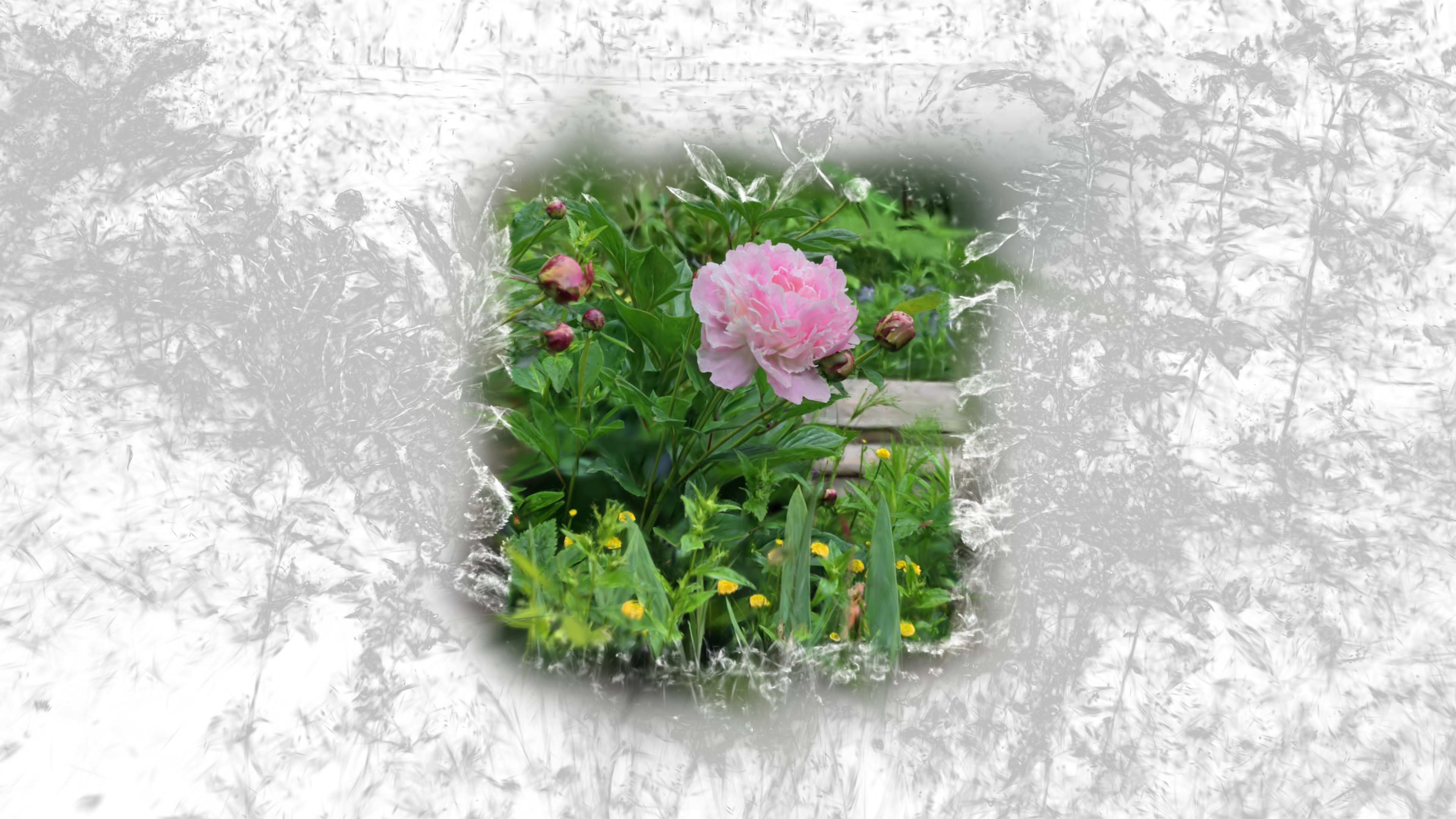
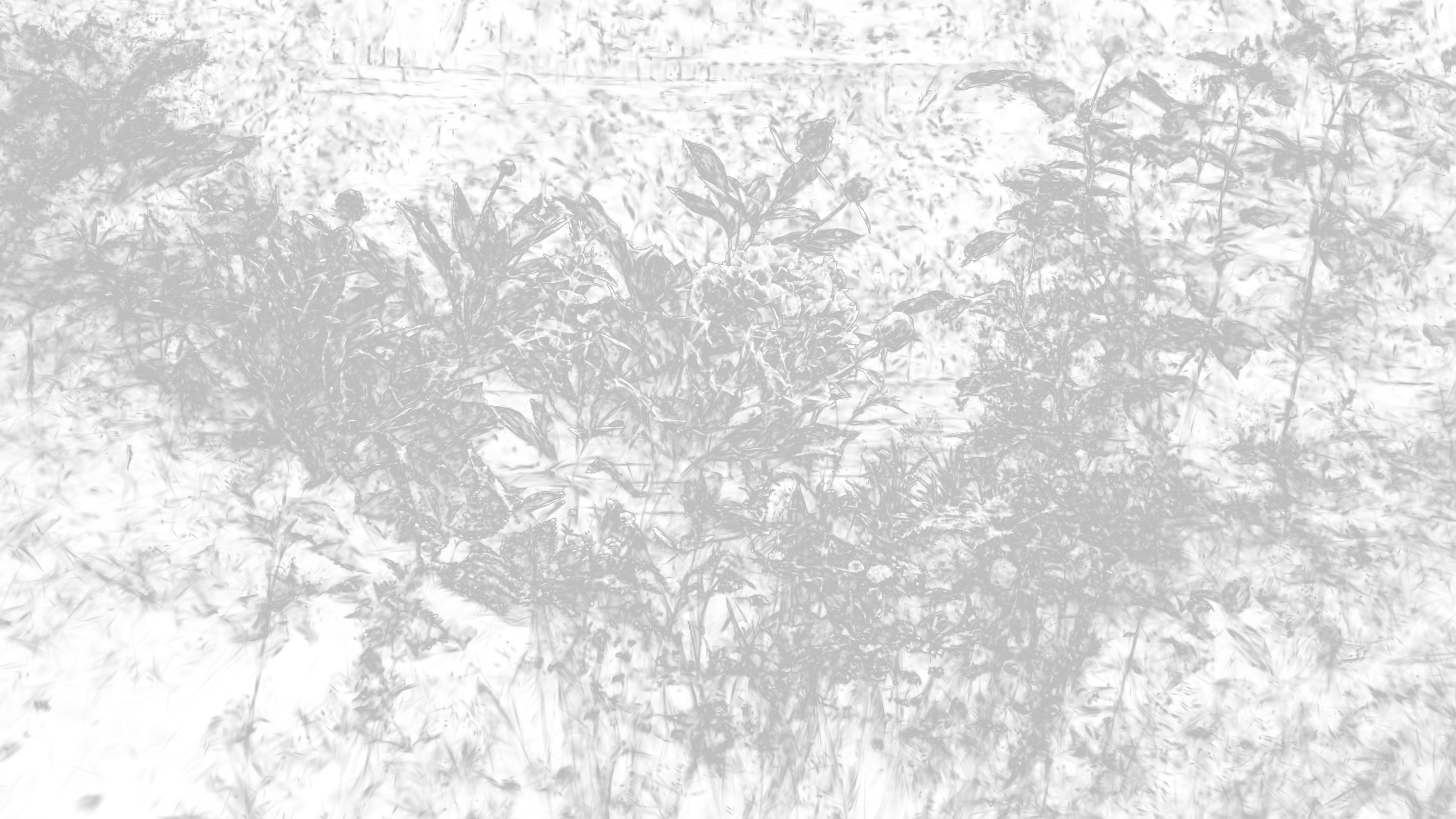
Use a texture to drive the detail bias and alpha mix parameters.
- R = Detail Bias
- G = Alpha Mix (
1 = render splat with color = vec4(alpha))
Operators
gsop_camera_viewport— or any TD camera (mind FOV and far clip settings)gsop_splat_scene_particlesgsop_splat_geo- renderTOP
Process
- Drop the operators into your network - you will note the camera and
gsop_splat_geoauto-find their respective renderTOP and splat scene components - Point
gsop_splat_scene_particlesto a.plyor.spzfile - Open the GUI on
gsop_splat_scene_particlesand use the camera positioning window to orient the splat - Use the Alpha from Texture parameter and point it at your TOP